audioMotion.js
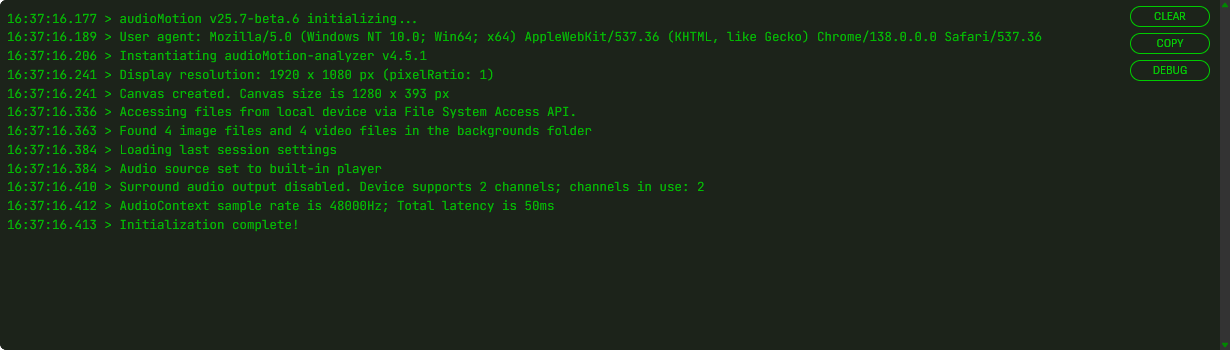
Console
Click Console in the top panel buttons to open the Console.

A red light on the button signals that an error message has been logged to the console: 
The console logs information such as audio and video capabilities, settings in effect, configuration changes, and error messages.
| Button | Action |
|---|---|
| Clear | Erase all console messages |
| Copy | Copy console messages to the clipboard |
| Debug | When active, log additional events and messages to the console, to help debugging issues |
Debug mode can also be enabled at startup, by adding the debug URL parameter.